
Appearance
Trc_Db_TreeItemByName
Gets an item of a dimension tree by name.
Function Parameters
Parameter 1
Dimension. E.g. Customer.
Parameter 2
Tree of the selected dimension. E.g. ABC.
Parameter 3
Name of the tree item. E.g. A.
Parameter 4
Output format of the item.
| Format | Decription |
|---|---|
| Name | Name of the item. E.g. P004. |
| Caption1 till 10 | Caption of the item. E.g. Desktop PC. |
| Attribute | Gets an attribute of the item. After the key word Attribute= the name of the attribute be set. E.g. Attribute=ProductColor |
The different formats can be mixed.
| Format Sample | Output |
|---|---|
| Name (Caption1) | P004 (Desktop PC) |
| Name - Caption1 | P004 - Desktop PC |
| Caption1 (Name) | Desktop PC (P004) |
| Attribute=ProductColor | Blue |
Samples
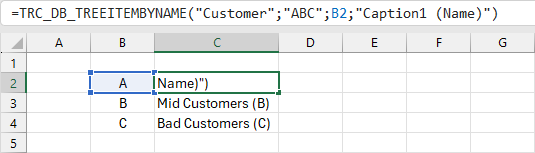
Shows the caption 1 and name of tree item A.
=TRC_DB_TREEITEMBYNAME("Customer";"ABC";"A";"Caption1 (Name)")
In this sample function the cell C2 references to the sum of cell B2.
Assistant Window
The assistant window can be used to generate a funtion.
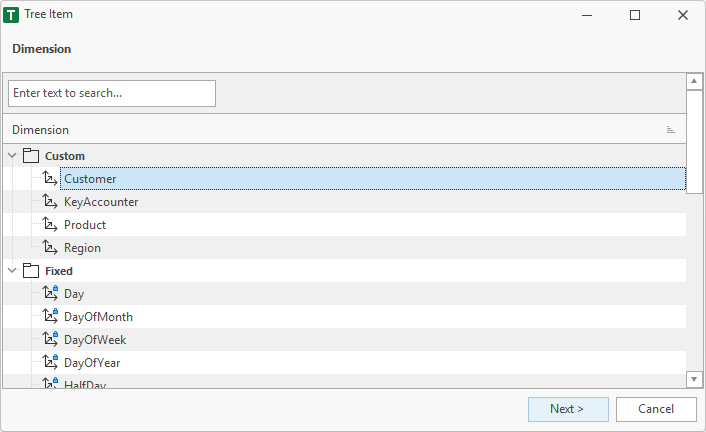
1. Dimension
Shows the dimensions of the database.
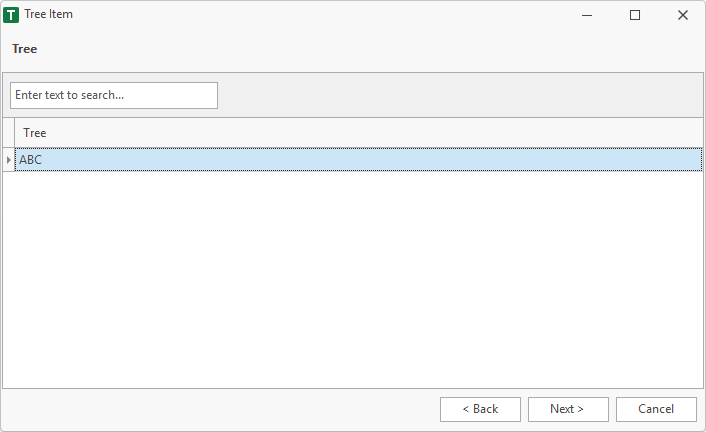
2. Tree
Selects an tree of the dimension.
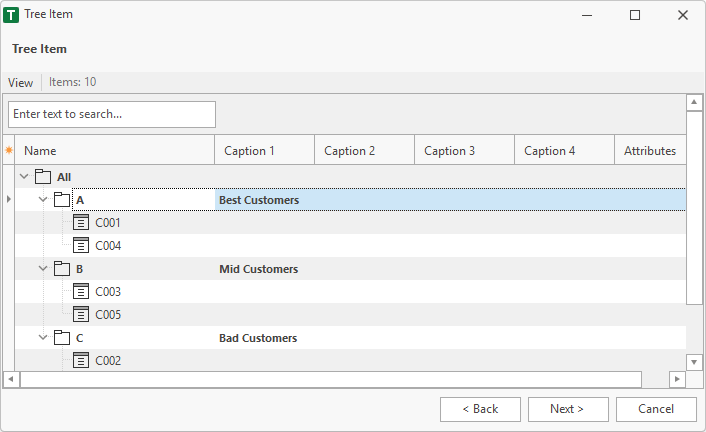
3. Tree Item
Selects a tree item of the tree.
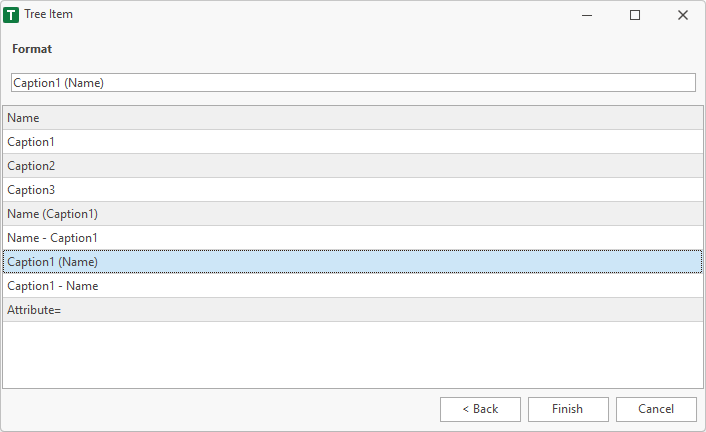
4. Format
Defines the output format of the selected item.
5. Finish
After finish the function is placed in the selected cell of the worksheet.
=TRC_DB_TREEITEMBYNAME("Customer";"ABC";"A";"Caption1 (Name)")