
Appearance
Opened Workspaces
A client application can use different workspaces at the same time. When another workspace is selected, the objects are shown in Objects in Selected Workspace. The Workspace menu can be used to manage workspaces.
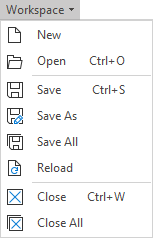
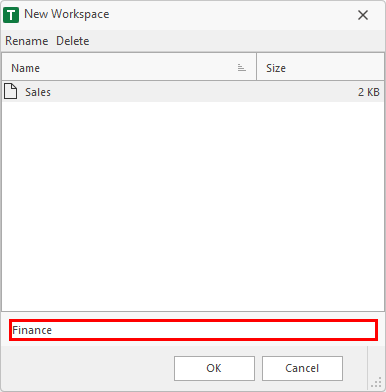
New
Creates a new workspace on the server.
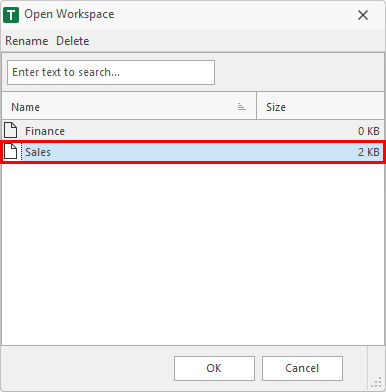
Open
Downloads an existing workspace from the server.
Save
Saves the selected workspace to the server.
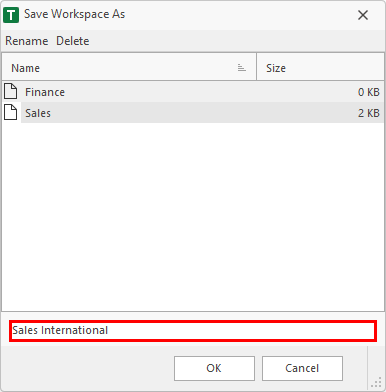
Save As
Saves the selected workspace with another name.
Reload
Reloads the selected workspace from the server. Local changes are discarded.
Close
Closes the selected workspace.
Close All
Closes all workspaces.