
Appearance
Fields
Fields are part of consolidations. These can be fields in the database or calculations. Fields are edited in the field window. To open the window, the Fields property of the inspector must be used.
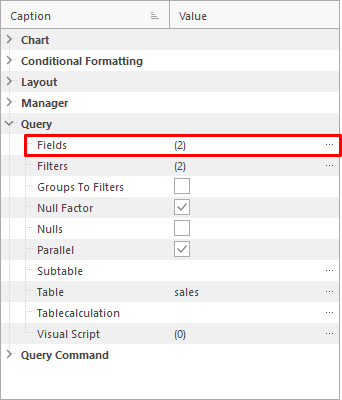
Edit Fields
The fields are edited with the menu at the top.
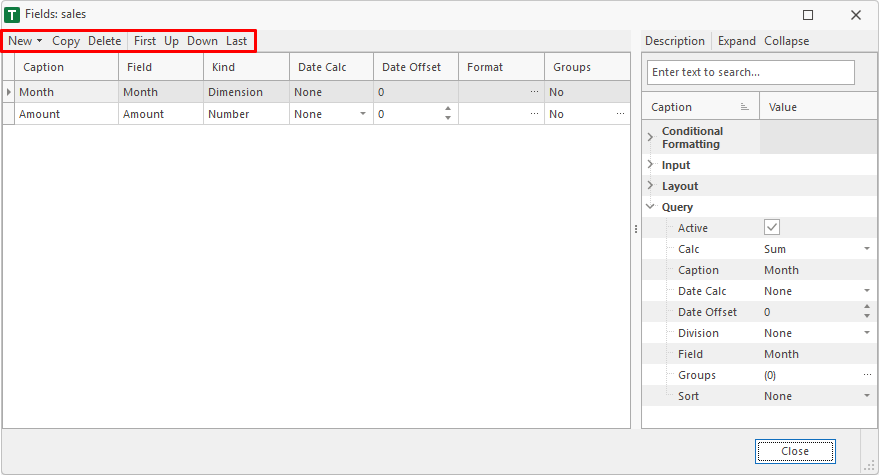
New
With the New menu, new fields can be added to the consolidation.

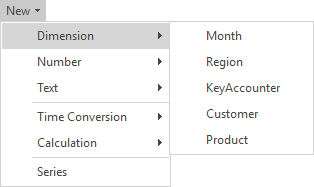
New Dimension
Adds a dimension-field from the associated table of the consolidation.
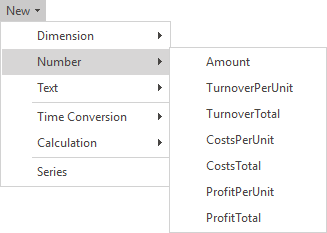
New Number
Adds a number-field from the associated table of the consolidation.
New Text
Adds a text-field from the associated table of the consolidation.
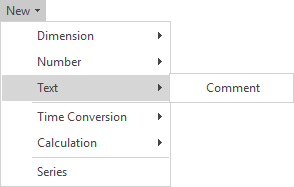
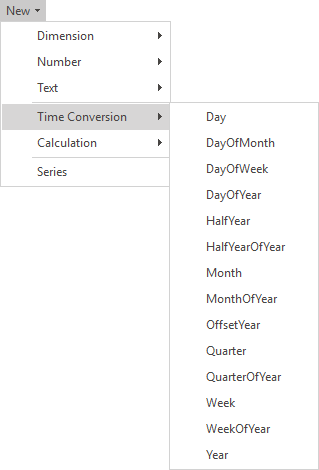
New Time Conversion
If the table of the consolidation uses fixed dimensions (date or time), a conversion dimension can be used. E.g. the tables contains the month dimension, the year dimension can be used for the query. The month-items are automatically converted into years.
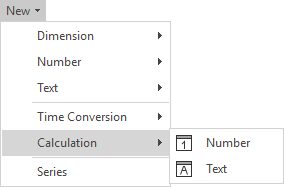
New Calculation
Adds a calculated field (number or text). These fields are calculated when retrieving the data. A visual script is used for the calculation.
New Series
Opens the assistant to create a series of fields. E.g. monthly values from jan. till dec.

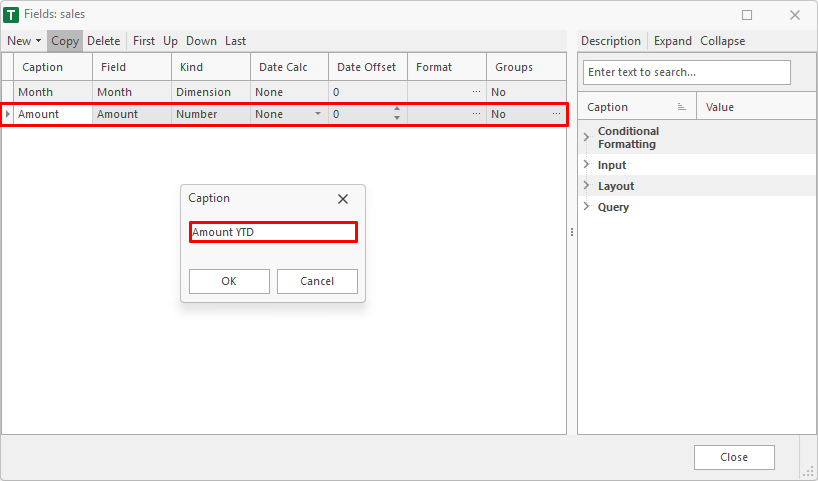
Copy
Copies a field.
Delete
Deletes a field.
First, Up, Down and Last
Moves a field.