
Appearance
Filter
A Table Filter can contain several Items Filter or Tree Filter. These filters are edited in the filter window. To open the window, the Filter property of the inspector must be used.
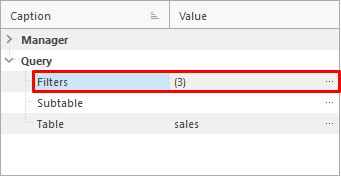
Edit Filter
The filter are edited with the menu at the top.
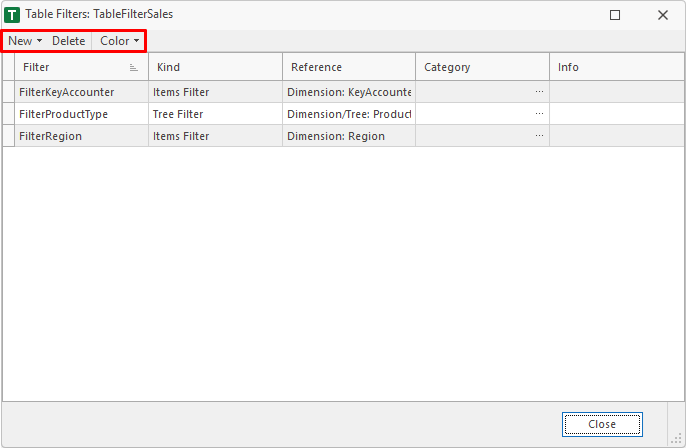
New
With the New menu, new filters can be added to the Table Filter.

New Items Filter
Adds an Items Filter to the Table Filter.
1. Dimension
The dimension of the Item Filter. Olny the dimensions of the table are available.
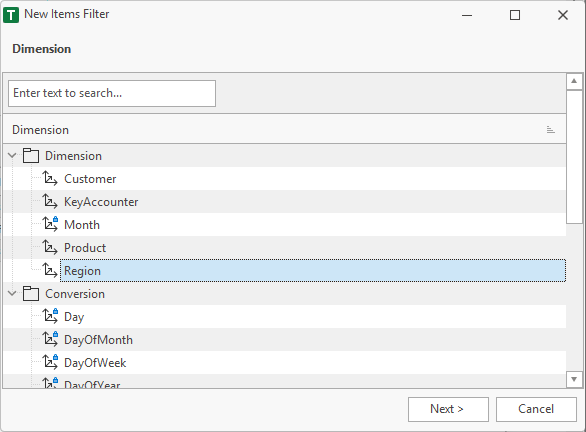
2. Properties
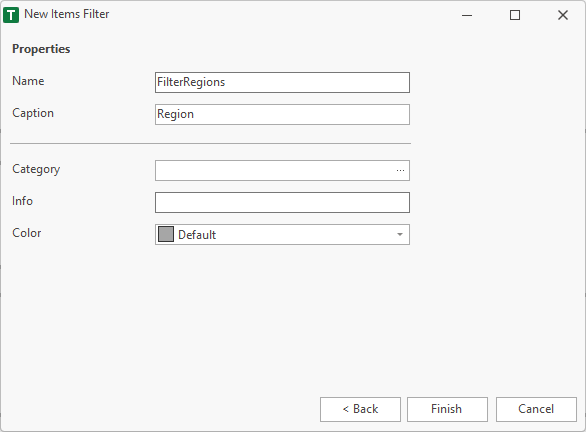
Finally, the properties are specified. The name must be unique within the workspace and must not contain a space or a special characters. Valid characters are: A..Z, a..z, 0..9 and _.
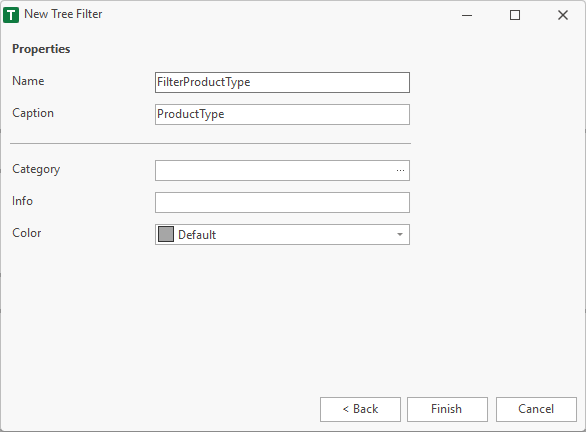
Category, info and color are additional fields, which are used in the workspace manager to help the user.
New Tree Filter
Adds a Tree Filter to the Table Filter.
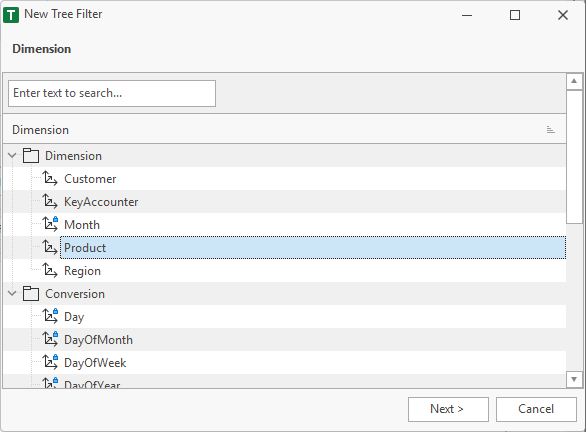
1. Dimension
The dimension of the Tree Filter. Olny the dimensions of the table are available.
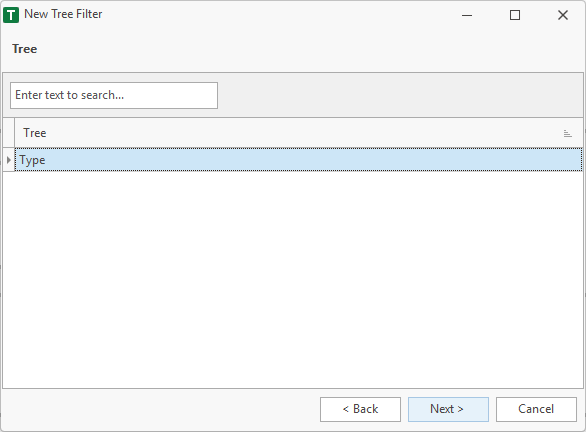
2. Tree
Tree of the dimension, that should be used.
3. Properties
Finally, the properties are specified. The name must be unique within the workspace and must not contain a space or a special characters. Valid characters are: A..Z, a..z, 0..9 and _.
Delete
Deletes the selected filter.