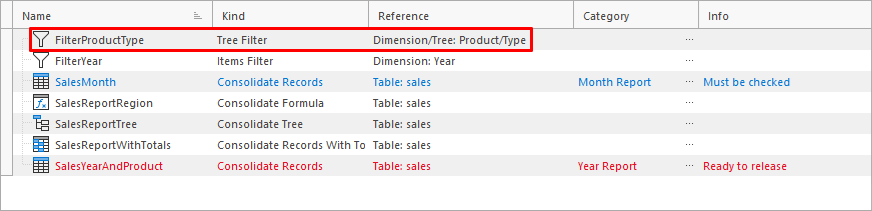
Appearance
Tree Filter Assistant
The assistant is used to create a new Tree Filter.
Assistant Window
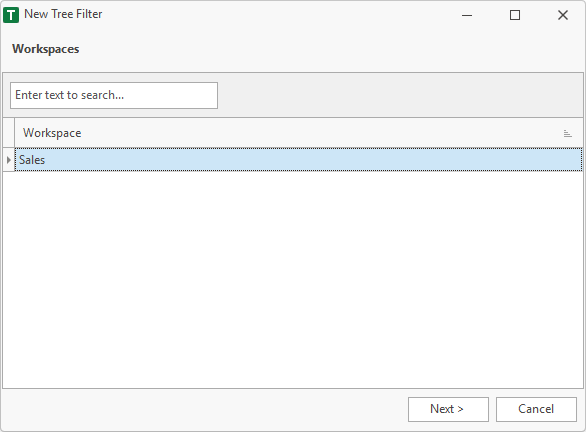
1. Workspace
First, a workspace must be selected. If the assistant is called in the workspace manager, this step will be skipped. Since the workspace has already been selected in the workspace manager.
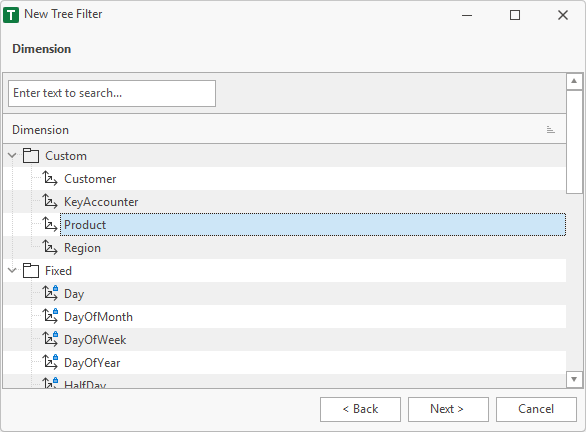
2. Dimension
Dimension of the Tree Filter.
3. Tree
Tree of the selected dimension.
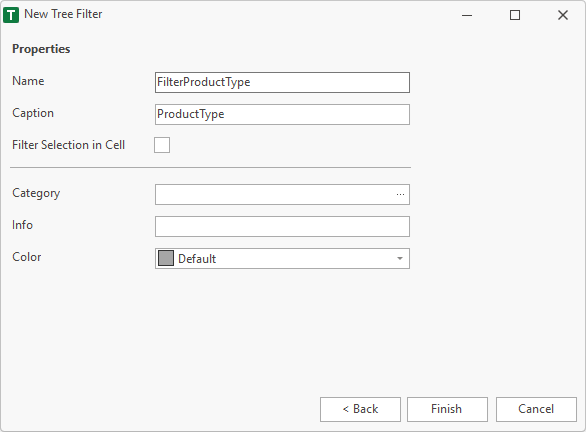
4. Properties
Finally, the properties are specified. The name must be unique within the workspace and must not contain a space or a special characters. Valid characters are: A..Z, a..z, 0..9 and _.
Category, info and color are additional fields, which are used in the workspace manager to help the user.
After Finish
After finish the Tree Filter is visible in then workspace.