Appearance
Field Groups
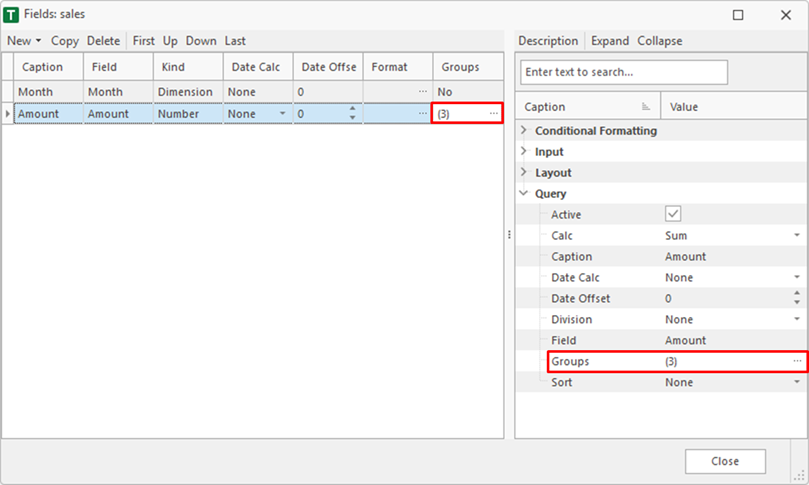
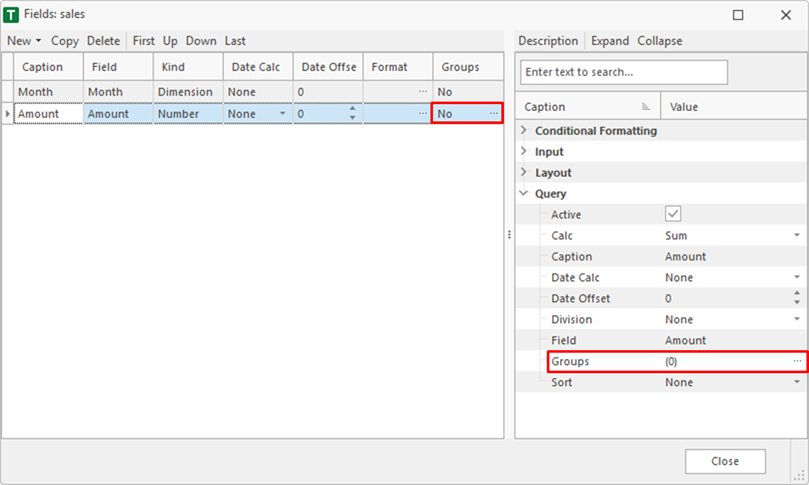
Groups are used to filter fields. These do not affect the whole consolidation query but only the selected field. Groups can be edited in the field-list or the inspector.
Item
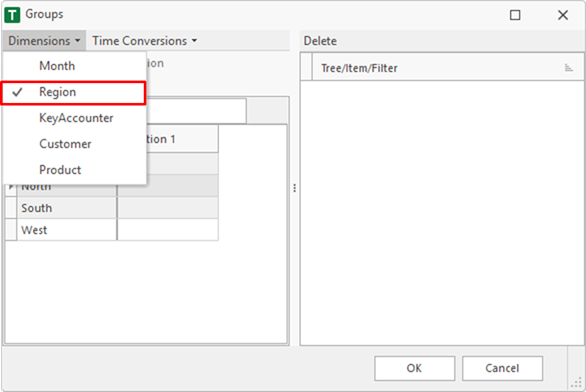
To add an item a dimension must be selected.
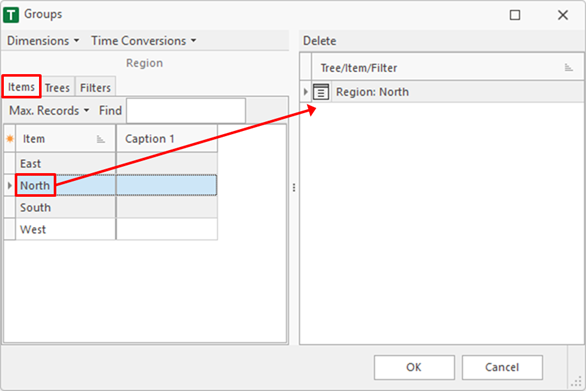
When the 'Items' tab is active, an item can be dragged into the grouping area. In this sample the 'North' item of the 'Region' dimension is used.
Tree Item
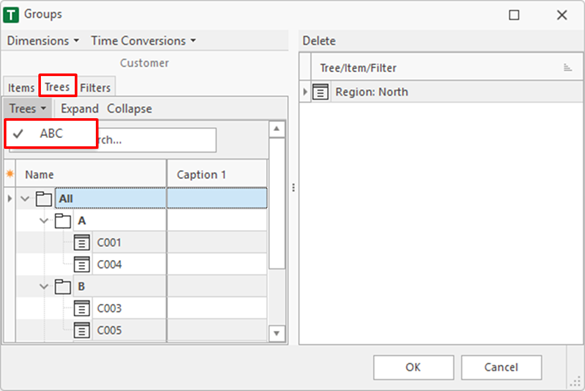
Trees can be used for grouping. Therefor the 'Trees' tab must be selected. In this sample the 'ABC' tree of the 'Customer' dimension is selected.
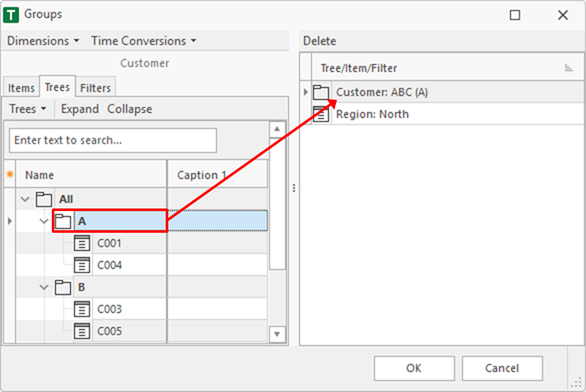
The sums and items of the selected tree can be dragged into the grouping area. In this sample the 'A' customers are used.
Filter
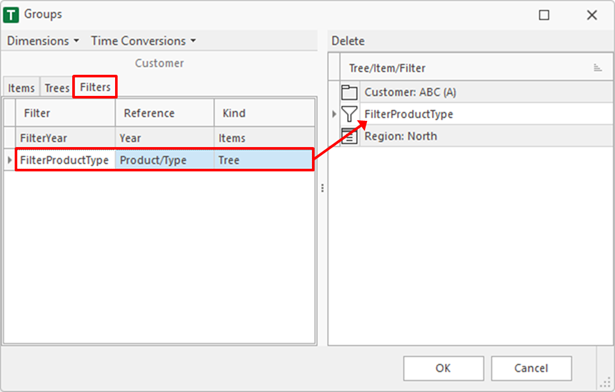
When the 'Filters' tab is active, a filter can be dragged into the grouping area. In this sample the 'FilterProductType' is added.
Finish
After finish, the selected field has three 'Groups'.