Appearance
New Series
The assistant creates multiple fields from a dimension. E.g. it is useful to create monthly reports.
1. Dimension
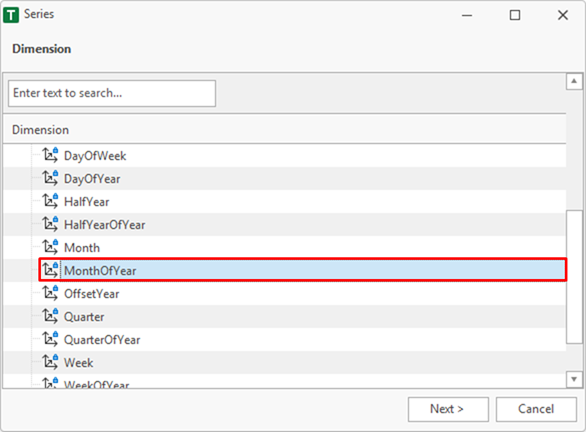
First, the dimension must be selected from which the fields are to be generated. In this sample it is MonthOfYear.
2. Items
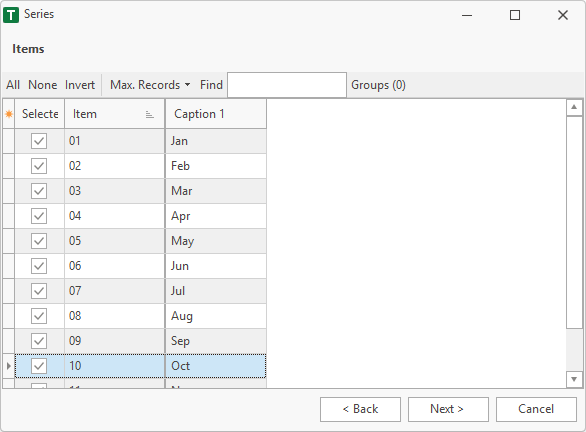
Each field is assigned an element. In this example, all 12 months are selected.
3. Groups
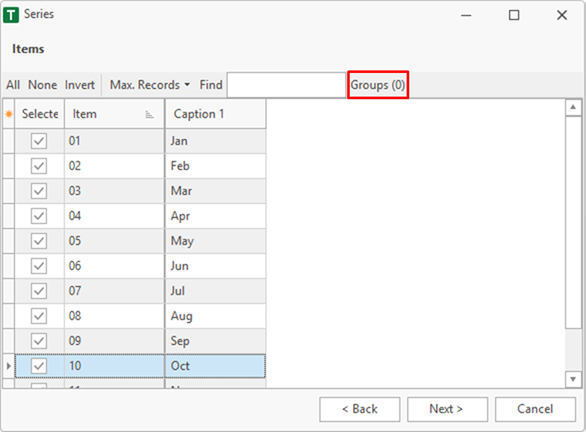
It is possible to add filters to each field. This can be done with the Groups menu.
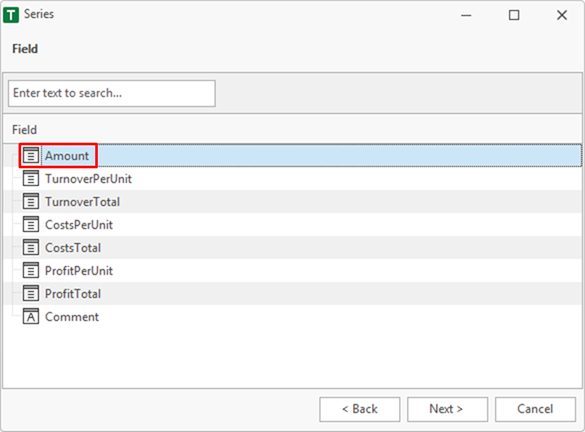
4. Field
A value field must be selected.
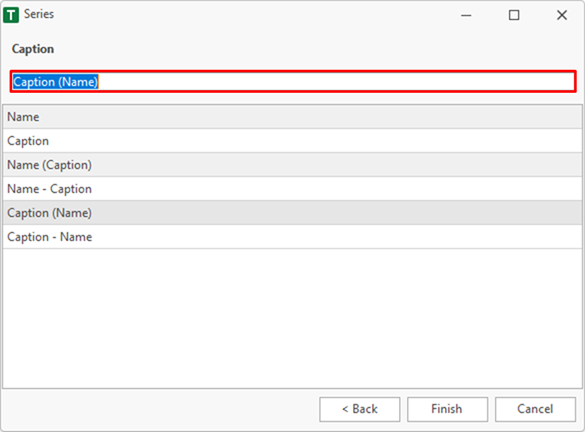
5. Caption
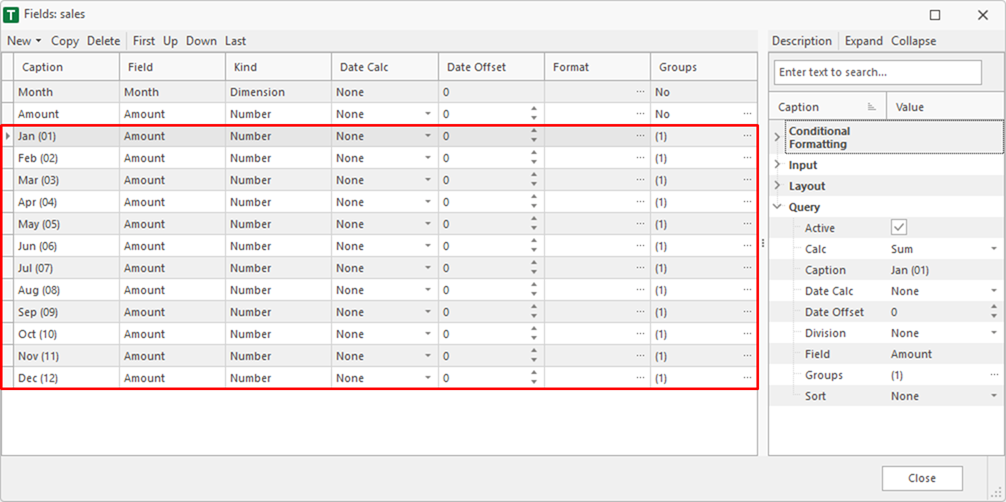
Finally, the formatting of the field-caption is defined. In this sample Caption (Name) is used. E.g. january becomes Jan (01).
6. Finish
After finish the new fields are displayed in the fields window.